If you deliver custom software by emailing installers or sending shared-drive and transfer links, BinDist replaces that with a private download area for each client.
Custom software usually gets delivered in ad-hoc ways: installers over email, files in a shared cloud folder, the occasional transfer link. That works for the first release or two, but links expire, clients misplace them, and it becomes hard to tell who has the current build.
BinDist gives each client one place to download the software you built for them.
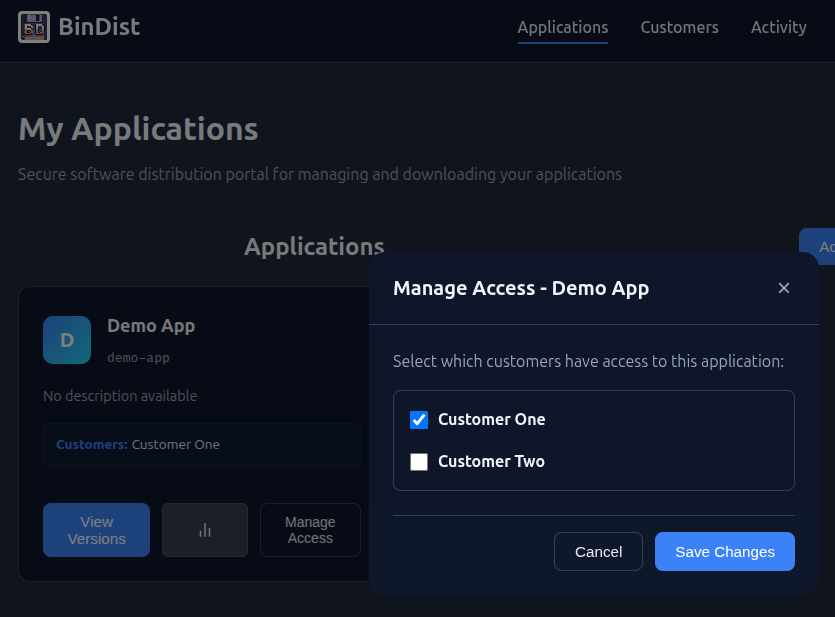
You create an application for each project and choose which clients can access it. Each client has an API key that only exposes the builds they are licensed for, so there are no shared links and clients cannot see each other's software.
New builds appear for them as soon as you publish, and older versions stay available if they need to roll back. If the software you deliver can check for updates, point it at the software update API so each client's install updates itself when you publish a new build.
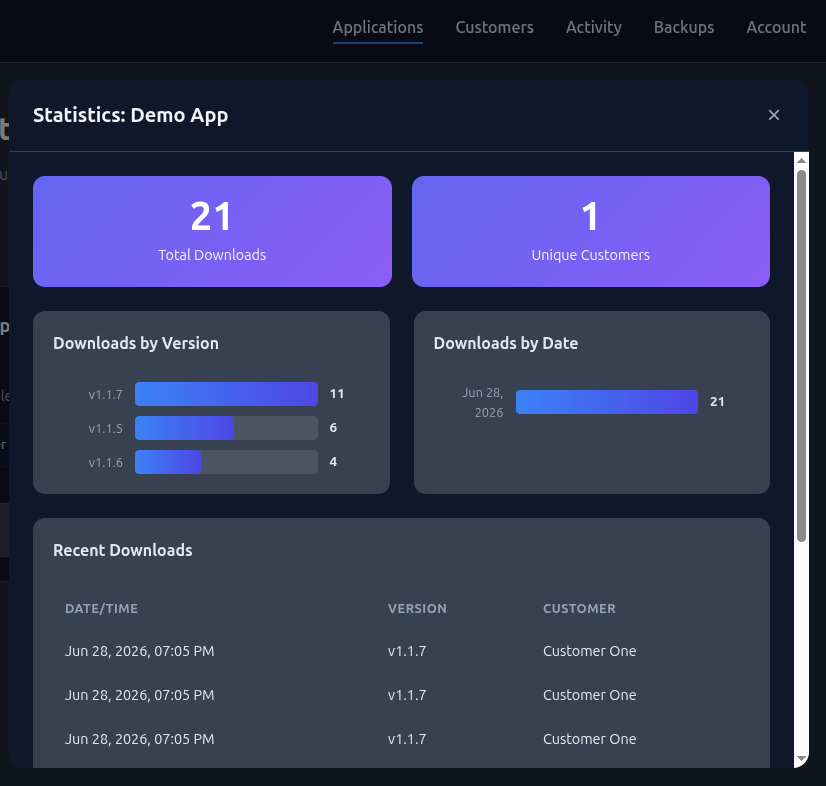
Every download is recorded against the client and the version they pulled, so you can confirm a client is on the latest build, or answer "which version do I have?", without having to ask them.
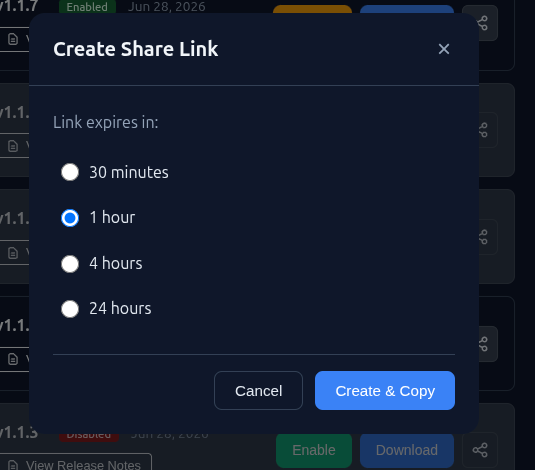
When you only need to send a single file, you can create a download link for one specific build and send it by email or chat. The link is limited to that file, so you do not have to set up an account or expose anything else.
If you want clients to see your branding, you can create per-client API keys from your own backend and build a download page on your own site against the API, using the JavaScript client or any HTTP client. BinDist handles storage, versioning, and access control.
Features for delivering custom software to multiple clients.
Each client's key only reaches their own applications. Clients cannot see each other's builds.
Keep each client's builds under their own application.
Create a download link for a single build when you just need to send one file.
Past releases stay available, so clients can update or roll back.
See which client downloaded which build, and when.
Build a download page on your own site against the API, or use the dashboard.
Start with the open-source version, or use the hosted service and we run it for you.
View Pricing